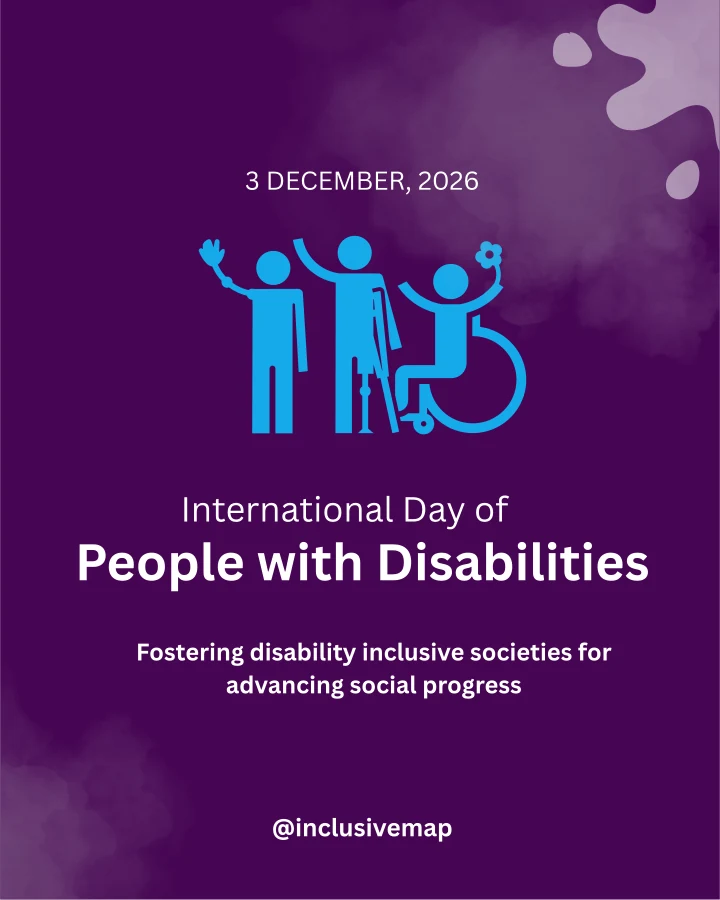
International Day of Persons with Disabilities, 3 December 2026

Accessible places begin with clear information

List or update your venue for free. Request an independent accessibility review when you are ready.

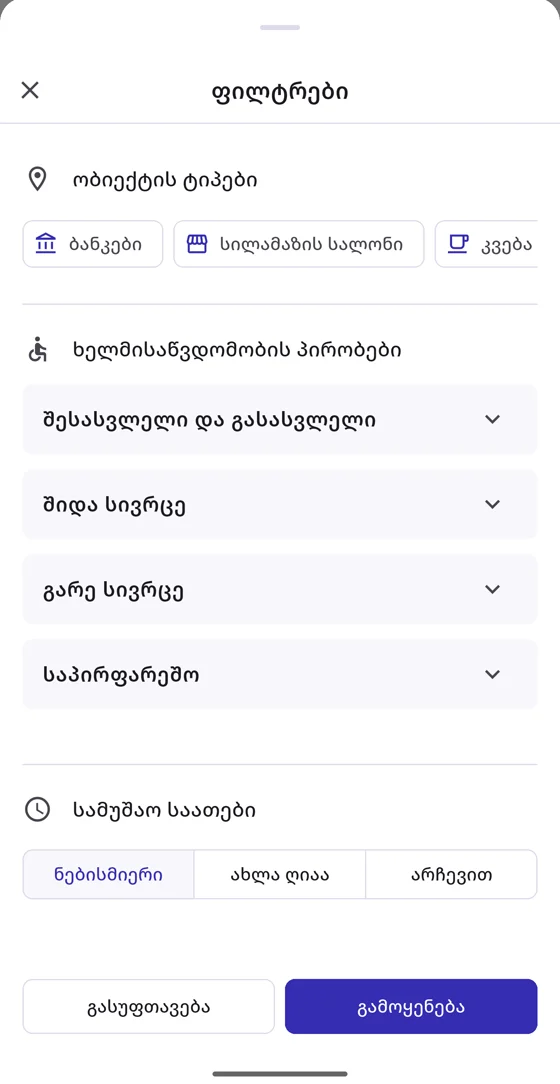
Venue details Search filters

Why accessibility matters for organisations

Clear information helps visitors choose and businesses serve them better.

01

It affects many people

Visitors should be able to tell in advance whether they can enter and move around your venue.
02

Make accessibility visible

Describe ramps, entrances and other features so visitors can make an informed choice.

03

Uncertainty costs opportunities

Visitors may decide not to come when they cannot find the details they need.

A visit begins with choosing a place

See how the app works
Friends sharing a meal

Dinner with your favourite people

Check the entrance and restroom before you go.

Special occasions

Plan a gathering somewhere that suits your needs.
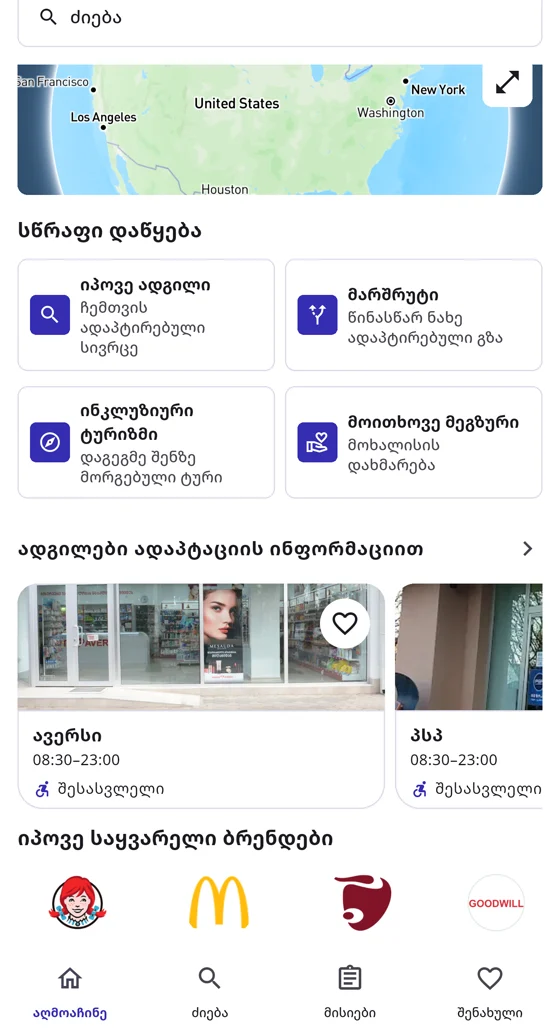
Explore screen in the Inclusive Map Android app

Try somewhere new

Choose a café or restaurant and see photos ahead of time.
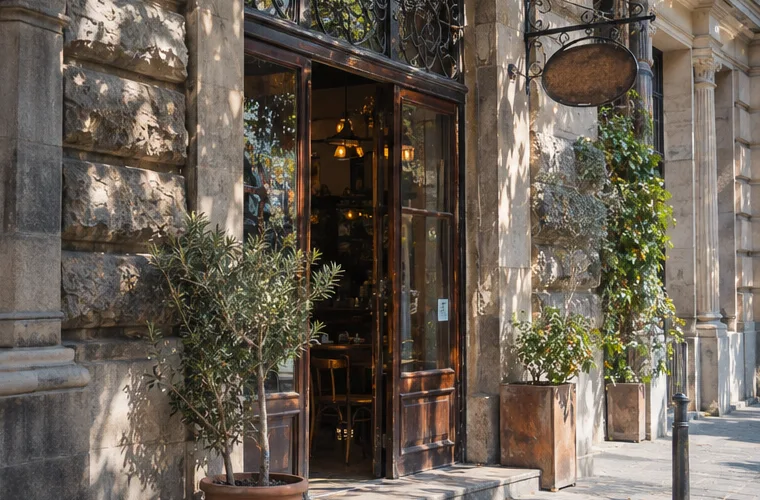
Entrance to a bistro

Meet up with friends

Check opening hours and see how to get there.
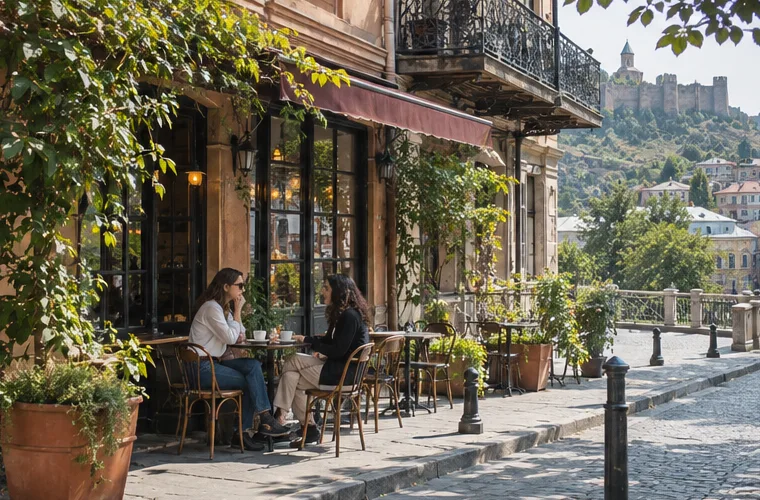
Friends sharing a meal
Café terrace
Time for coffee
Find a comfortable place to meet.
Coffee on a table

Spend time together

Check the entrance, restroom and parking.

Entrance to a bistro

Get together with friends

See photos of the space and choose where to go.

How Inclusive Map works

Find a place and check its features

Find a place and check its features

Search by name or address and filter for the features that matter to you.

Explore accessibility details

Explore accessibility details

See the entrance, restroom, parking and venue photos.
Share with the community

Share with the community

Add an accessibility photo or share what your visit was like.
Open the map

What helps you plan a visit

Places and photos Companion support Inclusive tourism
  1. Choose your filters
  2. Find a place
  3. Save to favourites
  4. Share your experience

Join our community

  • Share your knowledge and experience.
  • Help others find places that suit their needs.
  • Help keep accessibility information up to date.
Contact us
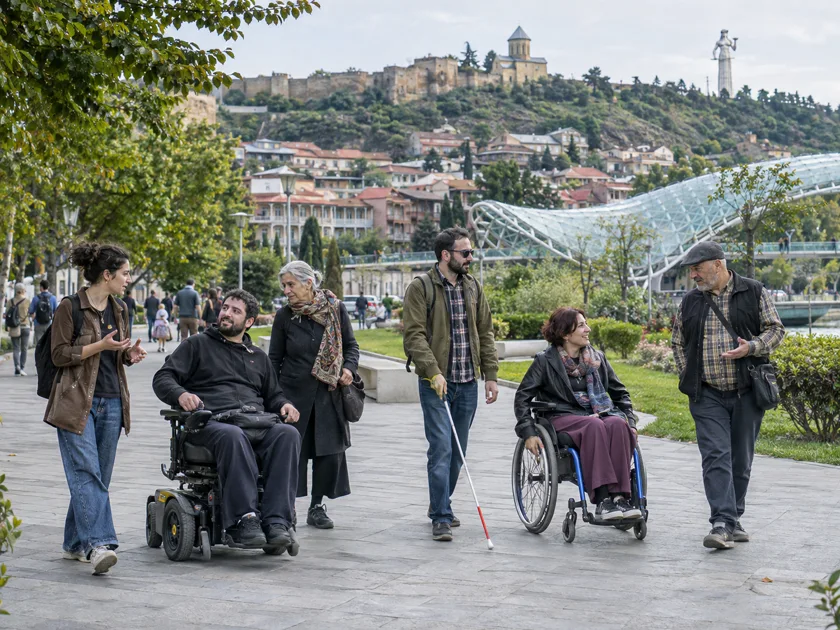
People on a pedestrian route in Tbilisi
Illustrative image

Guides for businesses

Three ways to get started

Choose what you need and send us your request.

01

List your venue

Listing is free. We review details before publishing.

Add a venue ↗
02

Edit an existing venue

Select your venue and send us the changes.

Edit a venue ↗

“Reviewed” should mean reviewed

The verification status shows what we checked, when and how. Listing or editing a venue does not grant this status automatically.

Voluntary donations do not affect review results or a venue’s visibility.

ACCESSIBILITY DETAILS
Reviewed

Entrance · on site

Example · February 2026

How do I list a venue on the map?

  1. Find your venue

    If your venue is already on the map, choose to edit it in the form. If you cannot find it, choose to add it.

  2. Share specific details

    Provide the name, address and contact details. Describe the entrance, toilet and parking, and attach photos if available.

  3. Wait for your request to be reviewed

    Our team reviews the details before publication. To request an independent accessibility review, choose verification in the form.

What will visitors see in the app?

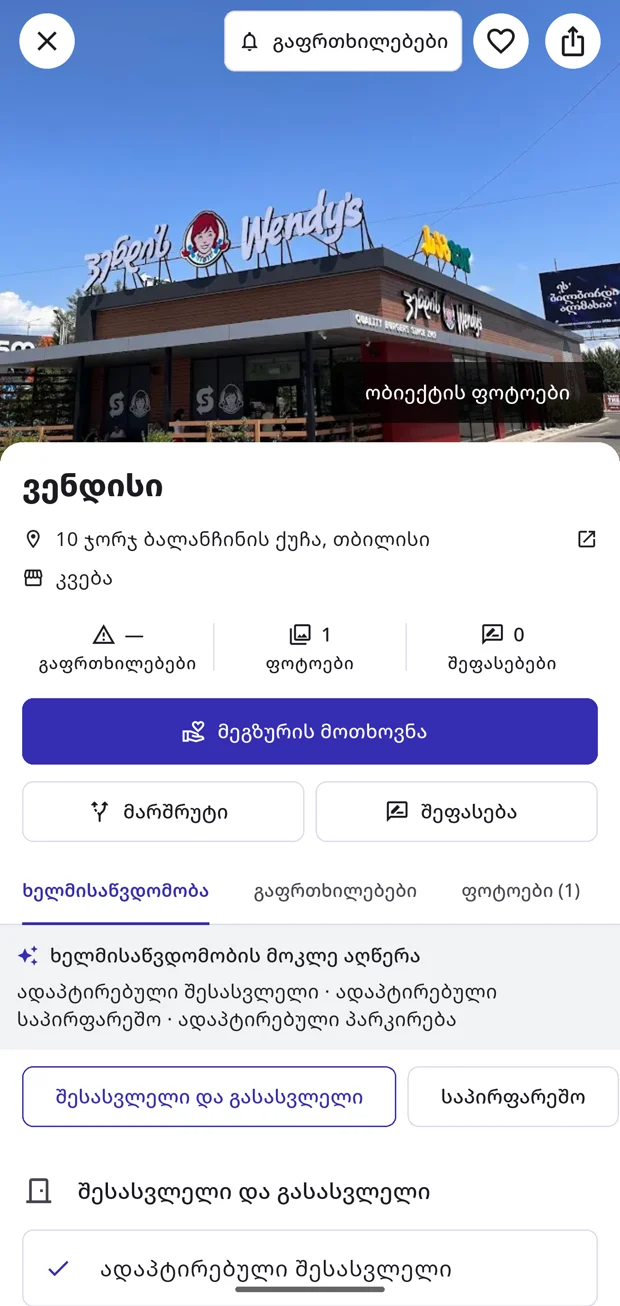
On the venue page, visitors can see photos, the address and an accessibility summary. Separate sections provide details they can use to plan a visit.

  • Entrance and exit
  • Toilet
  • Parking
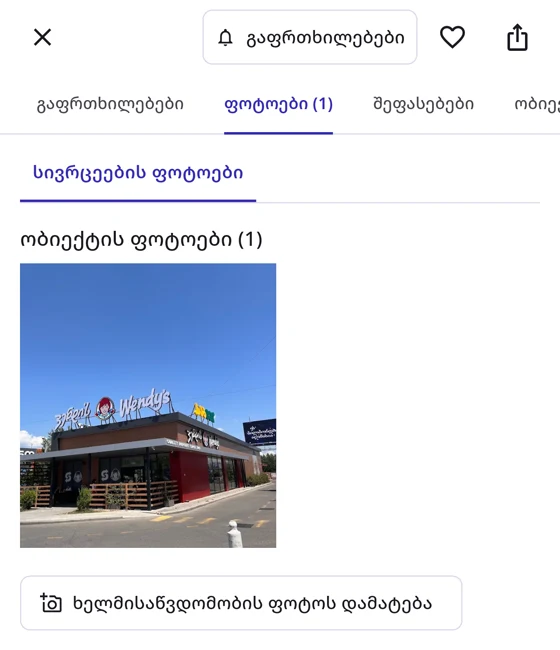
Wendy’s venue page in the Inclusive Map Android app, showing its photo, address and accessibility information.
Actual screenshot from the Inclusive Map Android app.

How do I add photos or details?

Up-to-date venue photos and details help other visitors plan their trip.

  1. Open the venue Find the correct address and open the Photos tab.
  2. Add a photo Choose to add an accessibility photo and select the matching category. Upload a photo you have permission to share.
  3. Correct venue details If you represent the venue, use the “Your business?” link or the business form. The team reviews submissions before publication.
Venue Photos tab in the Android app.
The Photos tab and its add-photo button